

Panduan Sistem Paparan Dapur untuk Restoran di Asia (2026)
Mengelola restoran di Asia pada tahun 2026 bermaksud menangan pesanan daripada pelbagai platform penghantaran secara bersamaan. GrabFood, Gojek, Uber Eats, Foodpanda, TikTok Shop — setiap platform membawa pelanggan, tetapi juga menciptakan kekacauan operasi di dapur anda.
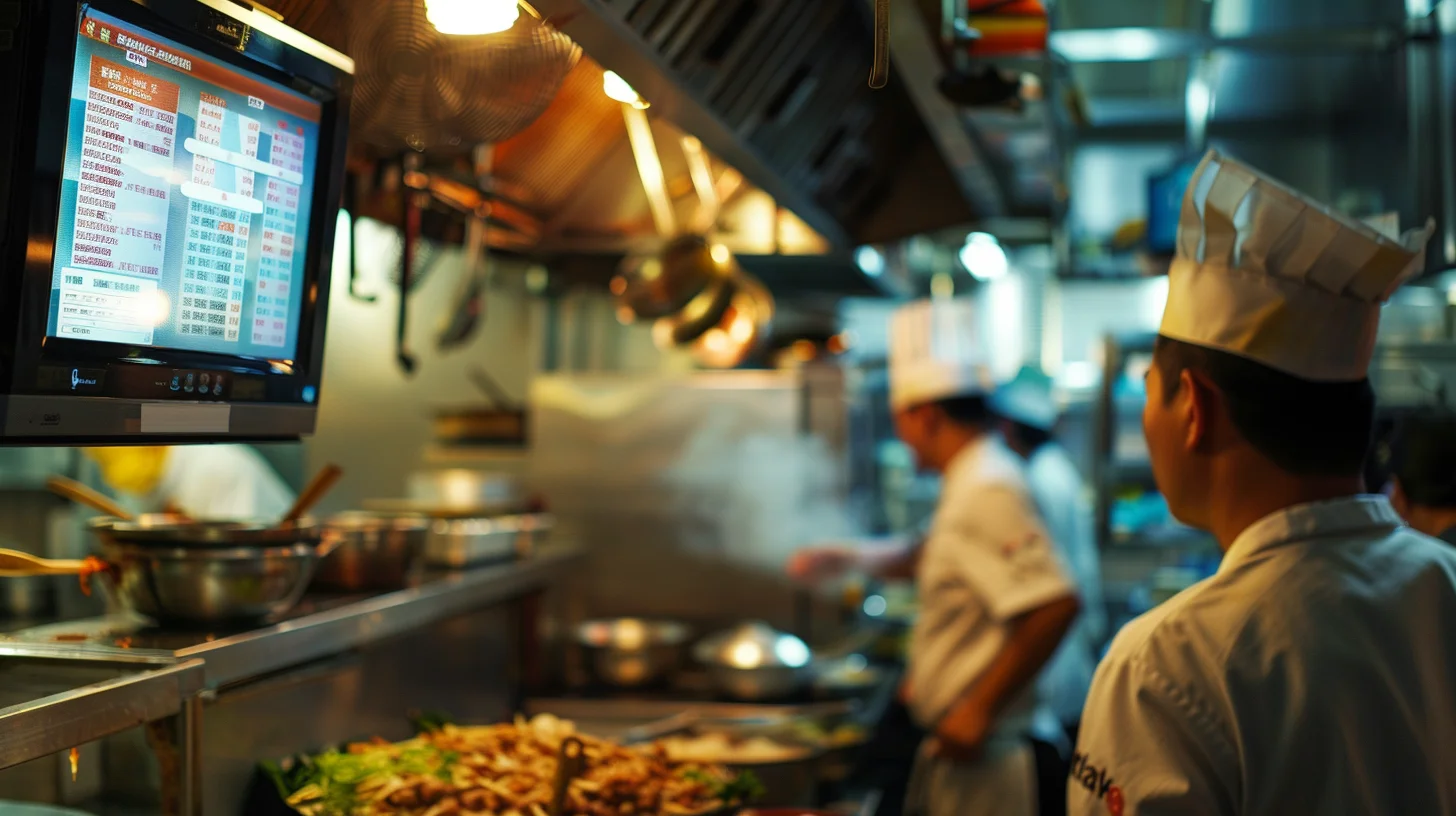
Solusi? Sistem Paparan Dapur (KDS) — skrin digital yang mengagregat semua pesanan masuk secara real-time, menggantikan sistem tiket kertas tradisional dan pelbagai tablet.
Apakah Sistem Paparan Dapur?
Sistem Paparan Dapur ialah skrin digital yang dipasang di dapur anda yang memaparkan pesanan masuk daripada semua sumber mengikut urutan mereka tiba. Daripada staf berjalan antara pelbagai tablet atau cuba untuk membaca tiket tulisan tangan, setiap pesanan muncul secara instan pada paparan tengah.
Penyediaan KDS moden untuk restoran Asia terintegrasi secara langsung dengan:
- Platform penghantaran — GrabFood, Gojek (GoFood), Uber Eats, Foodpanda, Deliveroo, ShopeeFood
- Sistem POS — Pengagregatan pesanan daripada makan di tempat, pegawai dan penghantaran
- Pesanan kod QR — Pesanan di sebelah meja yang menghala langsung ke dapur
- Terminal pembayaran — Pengesahan bahawa pembayaran telah diproses
Mengapa Restoran Asia Memerlukan KDS pada 2026
Pasaran penghantaran makanan di Asia-Pasifik dijangka akan melebihi $450 bilion pada tahun 2026. Bagi pemilik restoran, ini bermaksud:
1. Memadamkan Kebingitan Tablet
Banyak restoran kini beroperasi dengan 3-5 tablet — satu untuk setiap platform penghantaran. KDS menggabungkan semua pesanan pada skrin tunggal, memadamkan keperluan untuk staf untuk menyemak beberapa peranti.
2. Mengurangkan Kesalahan Pesanan
Tiket kertas hilang atau salah dibaca. Paparan digital menunjukkan item yang tepat, modifikasi, dan nota pelanggan — mengurangkan pesanan yang salah hingga 40% menurut kajian industri.
3. Meningkatkan Kecekapan Dapur
Penyediaan KDS moden membolehkan anda untuk mengutamakan pesanan berdasarkan masa, menghala item ke stesen tertentu, dan menjejaki masa persediaan. Ini adalah kritikal semasa waktu puncak apabila setiap minit penting.
4. Mengambil Keuntungan Pengoperasian
Platform mana yang membawa terbanyak pesanan? Apakah waktu persediaan puncak anda? Item mana yang menyebabkan kelewatan? KDS dengan analitik membantu anda untuk mengoptimumkan operasi dapur.
Ciri Utama untuk Diambil Berat dalam KDS
Apabila menilai Sistem Paparan Dapur untuk restoran Asia anda, mengutamakan ciri-ciri ini:
| Ciri | Mengapa Ia Penting |
|---|---|
| Pengagregatan pelbagai platform | Mesti terintegrasi dengan GrabFood, Gojek, Uber Eats, dan platform tempatan |
| Sinkron real-time | Pesanan muncul secara instan — tiada peninjauan atau kelewatan |
| Penghalaan stesen Tag kitchen-display-systemkdsrestaurant-operationsorder-managementasiadelivery-platforms |