

TikTok Shop Instant Delivery: A Restaurant's Complete Guide
TikTok Shop is changing how restaurants reach new customers. With instant delivery, your food can go from kitchen to doorstep — driven by viral content, live streams, and a massive audience of younger diners. Here's how to set it up and make it work for your restaurant.
What is TikTok Shop Instant Delivery?
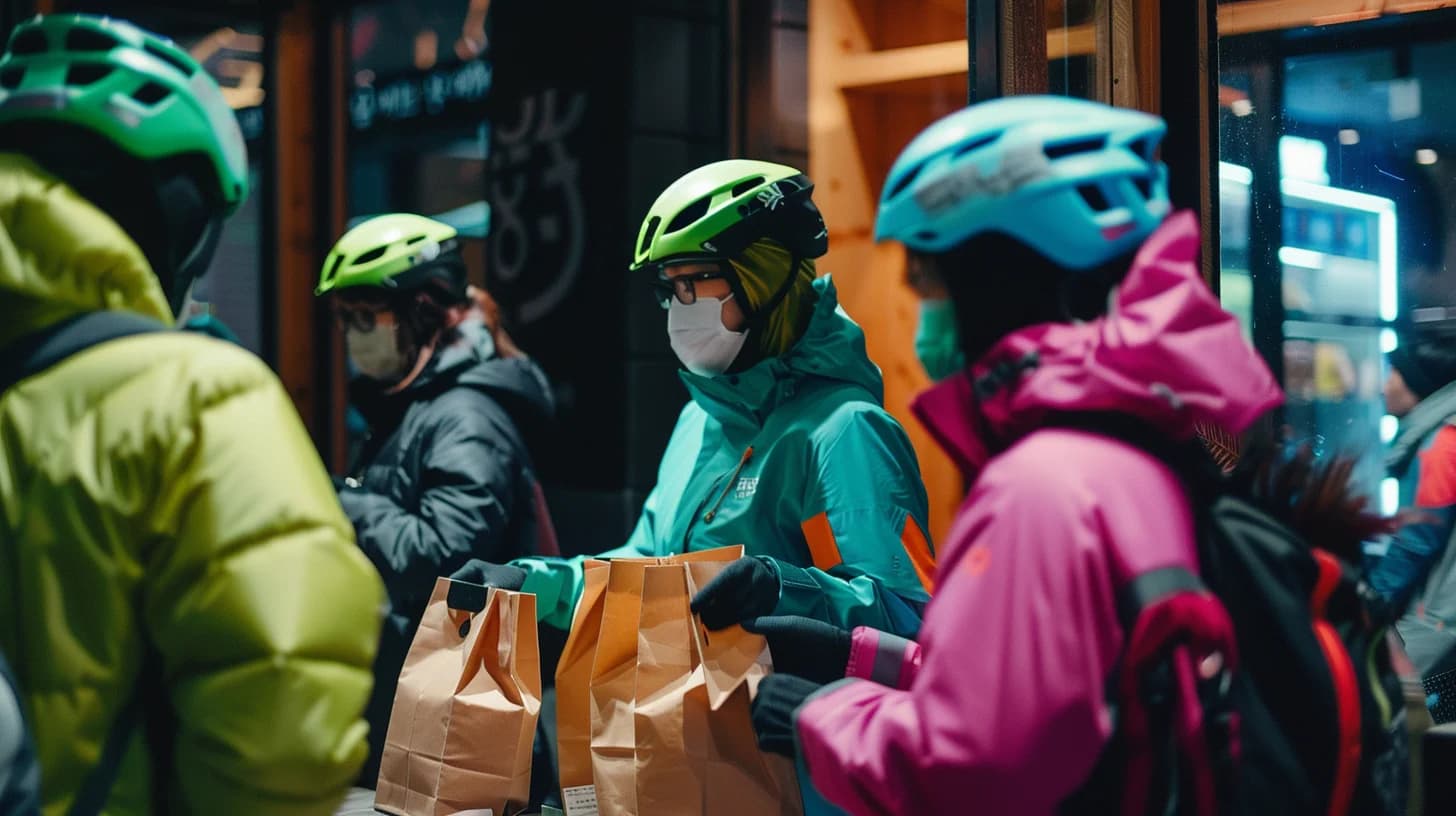
TikTok Shop Instant Delivery lets restaurants sell food directly through TikTok's marketplace with same-day or on-demand delivery. Unlike traditional delivery platforms where customers search for restaurants, TikTok puts your food in front of users through short-form videos and live streams — turning content viewers into paying customers.
This is a fundamentally different acquisition channel. Instead of competing on a search results page alongside dozens of other restaurants, you're reaching customers through engaging content that showcases your food at its best.
Why Restaurants Are Adding TikTok Shop
- Younger Demographics: TikTok's user base skews toward 18-34 year olds — a high-value segment for restaurants that's harder to reach on traditional platforms
- Viral Potential: A single video showcasing your signature dish can drive hundreds of orders overnight
- Lower Commission Rates: TikTok Shop typically charges lower commissions than established delivery platforms as it builds market share
- Content-Driven Discovery: Customers find you through engaging content, not price comparisons — which supports premium positioning
How to Get Started
Setting up TikTok Shop instant delivery involves a few key steps:
1. Register as a TikTok Shop Seller. Create a TikTok Shop account through the Seller Center. You'll need your business registration, food handling licenses, and bank account details for settlement.
2. Set Up Your Menu. List your delivery-friendly items on TikTok Shop. Focus on dishes that photograph well, travel well, and have strong margins. Package deals and exclusive TikTok-only items tend to perform best.
3. Configure Delivery. Set your delivery radius, preparation times, and operating hours. TikTok Shop works with logistics partners to handle the delivery — you focus on preparing the food.
4. Create Content. This is where TikTok differs from every other delivery platform. Your success depends on content that makes people want your food. Behind-the-scenes kitchen videos, plating reveals, and customer reactions all drive orders.
Integrating TikTok Shop with Your Existing Operations
The biggest challenge with TikTok Shop isn't getting started — it's managing orders alongside your existing delivery platforms. If you're already on GrabFood, foodpanda, and Deliveroo, adding another order channel can create operational chaos.
This is where order aggregation becomes essential. With Klikit, TikTok Shop orders appear in the same queue as your GrabFood, foodpanda, and dine-in orders. Your kitchen sees one unified order list regardless of source — no additional tablets, no separate workflows.
Best Practices for Restaurant Success on TikTok Shop
- Packaging Matters: Create unboxing experiences worth sharing. Branded containers and thoughtful presentation generate user-created content that drives more orders
- Live Stream Sales: Schedule regular live streams during peak ordering hours. Show food being prepared and offer live-only promotions
- Menu Engineering: Design TikTok-specific items that are visually striking and travel well. These don't need to mirror your full dine-in menu
- Respond to Trends: TikTok moves fast. When a food trend emerges, create a limited-time item and ride the wave
Get Started with TikTok Shop Integration
Ready to add TikTok Shop to your delivery channels? Contact our team to learn how Klikit integrates TikTok Shop orders alongside your existing platforms for seamless kitchen operations.