

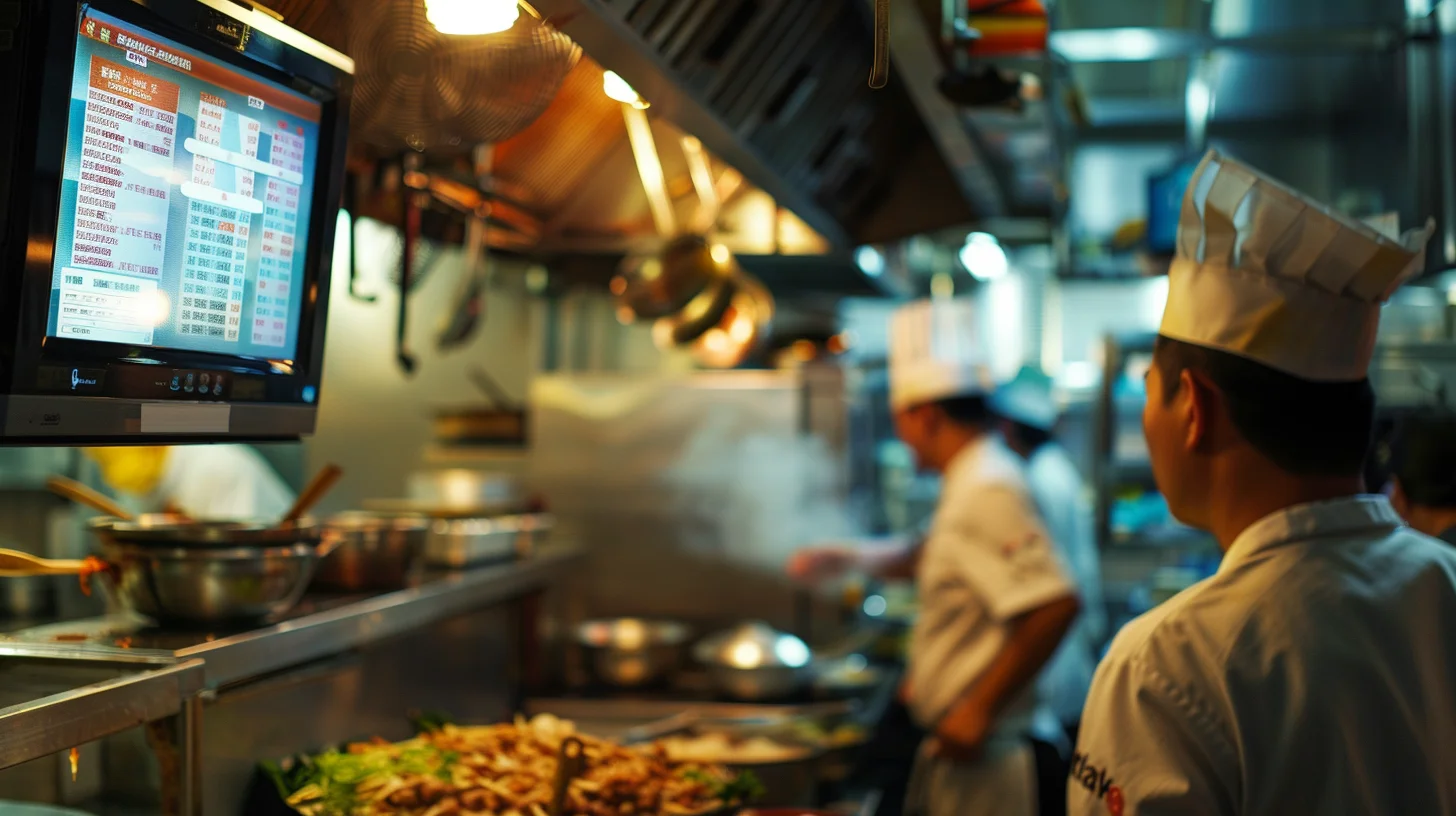
Kitchen Display System (KDS) for Restaurants in the Philippines
In Philippine restaurants, the kitchen chaos is real. During peak hours, tickets come flying in from GrabFood, Foodpanda, and Uber Eats — often all at once, on separate tablets, with different layouts and timing systems. The result? Missed orders, wrong dishes, and frustrated customers.
A Kitchen Display System (KDS) solves this by consolidating all your orders into a single, digital screen that kitchen staff can see at a glance. No more paper tickets. No more running between tablets. Just clean, organized, real-time order flow.
Why Philippine Restaurants Need a KDS
Here's what a KDS delivers for restaurants in the Philippines:
- Reduce order errors by up to 70% — Orders print or display automatically with clear item descriptions, modifiers, and special requests. No more misreading handwriting or missing notes.
- Faster table turnover — Kitchen sees orders the moment they're placed. No delay from pickup by waitstaff or delivery runners.
- Manage all delivery platforms on one screen — GrabFood, Foodpanda, Uber Eats — all consolidated. No more-tablet chaos.
- Track prep times — Know exactly how long each order has been in the queue. Identify bottlenecks and optimize kitchen workflow.
- Reduce paper waste — Digital ticketing eliminates the need for printed receipts on every order.
How KDS Works with Delivery Aggregators
Philippine restaurants using delivery platforms face a unique challenge: each app operates independently. A KDS integrates with your POS and delivery aggregators to pull orders from all sources into one unified view.
Here's the typical flow:
- Customer places order on GrabFood, Foodpanda, or Uber Eats
- Order automatically appears on the KDS screen in the kitchen
- Kitchen staff sees item, modifications, and delivery details
- Order is marked complete — status updates automatically on the delivery app
- Delivery rider picks up, customer receives real-time updates
Key Features to Look for in a KDS
Not all Kitchen Display Systems are created equal. Here's what Philippine restaurant owners should look for:
| Feature | Why It Matters |
|---|---|
| Multi-platform aggregation | GrabFood, Foodpanda, Uber Eats — all in one place |
| Modifier visibility | See no onions, extra sauce clearly |
| Prep time tracking | Identify slow items and optimize |
| Station routing | Send grill items to grill station, fry items to fryer |
| Mobile/tablet compatibility | View orders on any screen in the kitchen |
| POS integration | Works with your existing restaurant POS |
Klikit's Kitchen Display System
Klikit offers a built-in Kitchen Display System that integrates with order aggregation. Here's what you get:
- All orders in one screen — Dine-in, takeout, GrabFood, Foodpanda, Uber Eats — unified
- Real-time sync — Orders appear instantly as they come in
- Prep time analytics — See average prep times and identify issues
- Station routing — Automatically sort items by cooking station
- Flexible display — Use any tablet or screen in the kitchen
Unlike standalone KDS solutions that cost extra and require separate integrations, Klikit's KDS comes built into the same platform that handles your POS, payments, and delivery aggregation.
Who Should Consider a KDS?
A Kitchen Display System is especially valuable for:
- Fast casual and QSR restaurants — High order volume, need speed
- Cloud kitchens — Multiple brands, multiple delivery apps
- Restaurants with delivery focus — Heavy GrabFood/Foodpanda/Uber Eats volume
- Multi-location chains — Centralized kitchen monitoring
- Any restaurant experiencing order errors — Immediate improvement
Getting Started with KDS in the Philippines
Implementing a KDS is straightforward:
- Assess your current pain points — How many tablets? What's the error rate?
- Choose a KDS solution — Look for delivery aggregator integration
- Set up stations — Configure routing rules for your kitchen layout
- Train kitchen staff — Simple interface, typically 30 minutes
- Monitor and optimize — Use prep time data to improve workflow
Ready to Simplify Your Kitchen?
If you're tired of juggling multiple delivery tablets and dealing with order errors, a Kitchen Display System could be the solution. Klikit offers KDS as part of our all-in-one restaurant operating system — POS, payments, order aggregation, and kitchen display in one platform.
Learn more about how Klikit can streamline your kitchen operations across all your delivery channels.